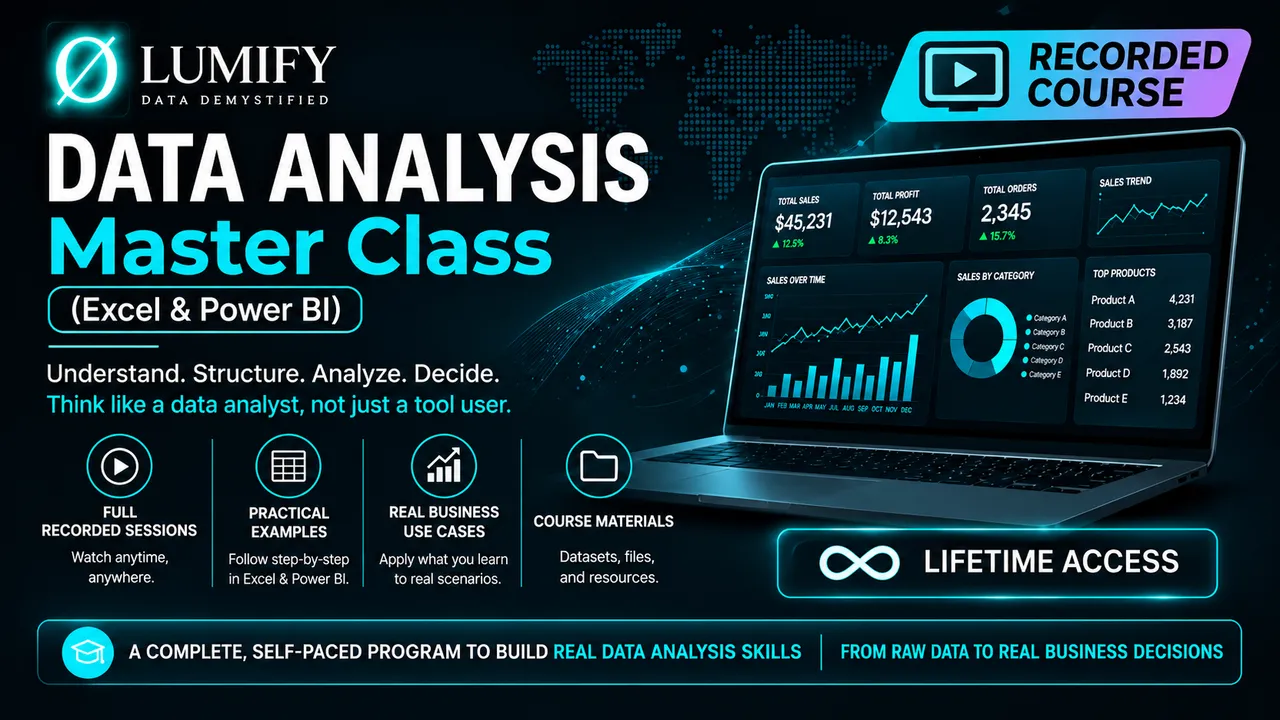
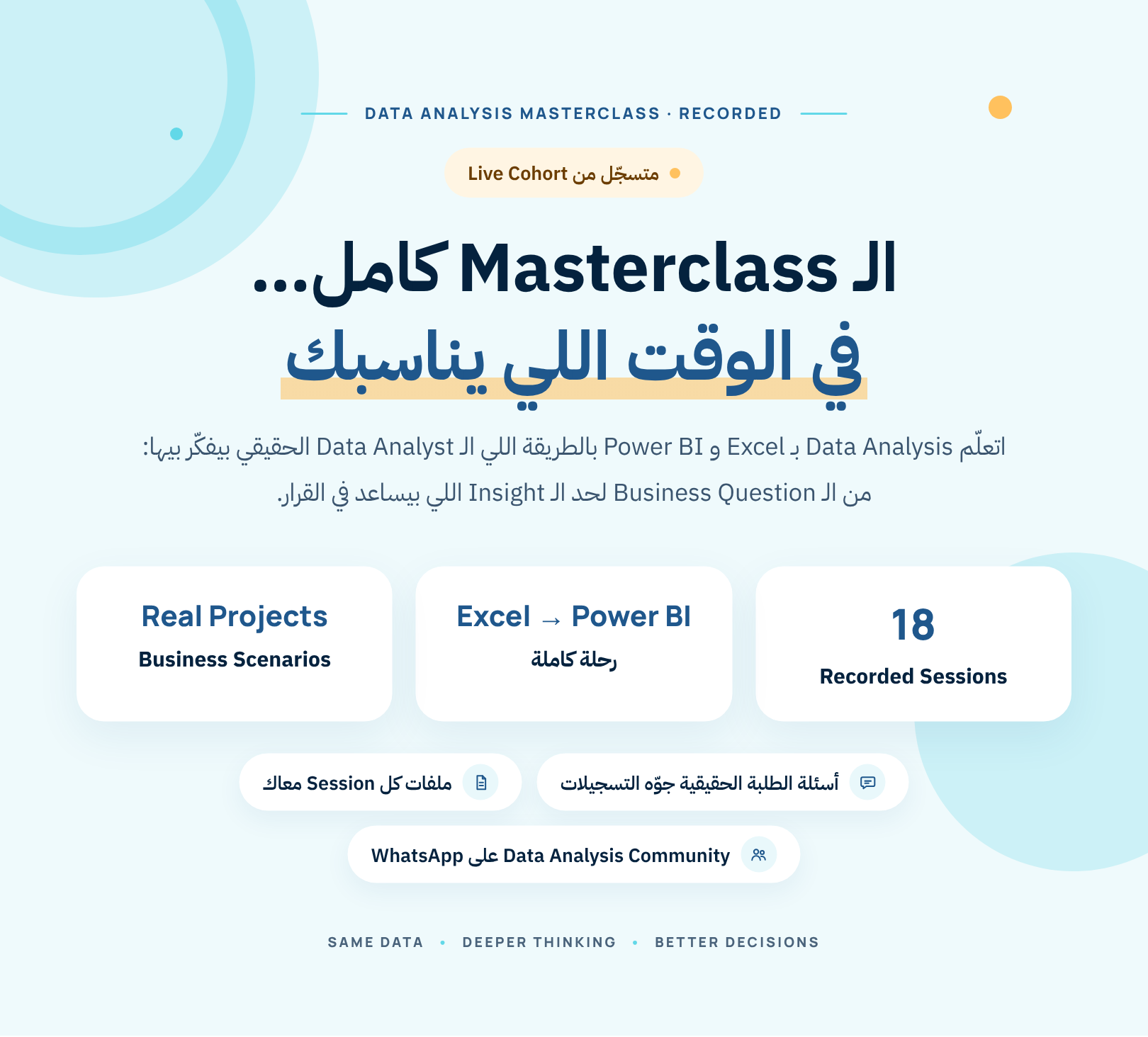
Data Analysis Masterclass (Excel & Power BI) – Recorded
Description
-------------------------------------------
 -------------------------------------------
 -------------------------------------------
 -------------------------------------------
 -------------------------------------------
 -------------------------------------------
 -------------------------------------------
 -------------------------------------------
 -------------------------------------------
 -------------------------------------------
 -------------------------------------------
 -------------------------------------------
 -------------------------------------------
Course Objectives
COURSE OBJECTIVES
By the end of this course, participants will be able to:
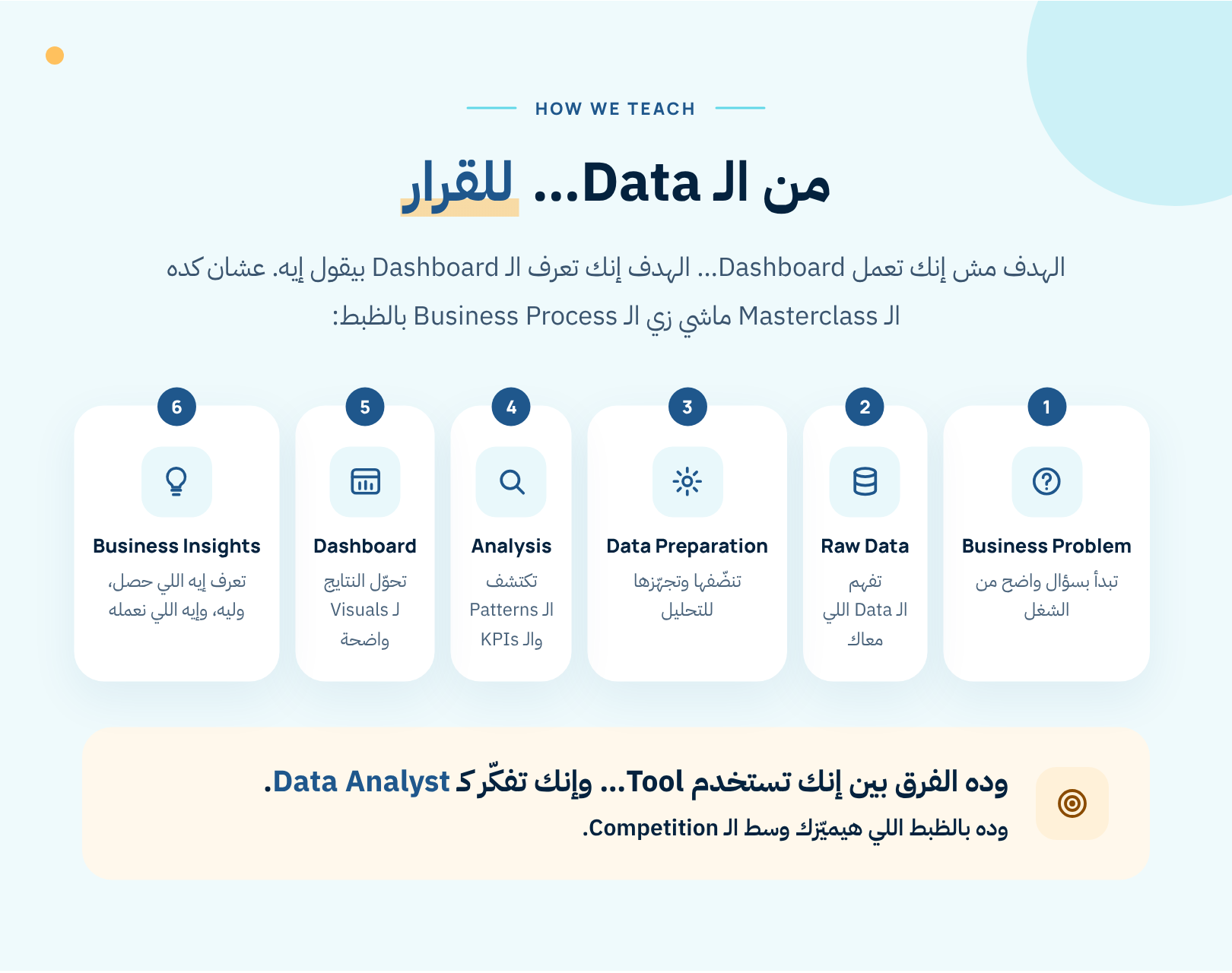
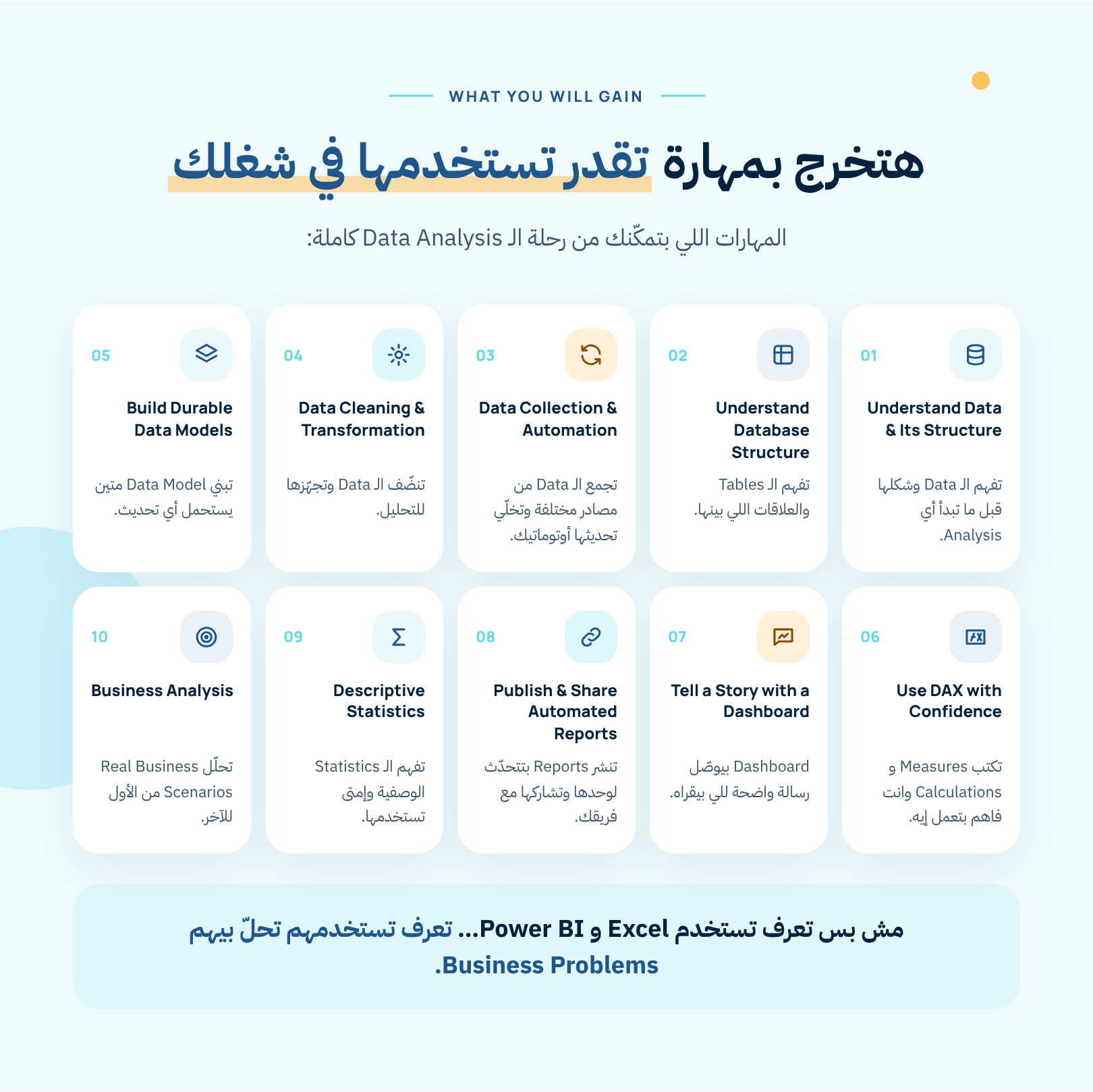
• Understand data and its structure
• Understand database structure
• Collect data from different sources and automate its refresh
• Clean and transform data for analysis
• Build durable data models
• Use DAX with confidence
• Tell a story with a dashboard
• Publish and share automated reports
• Use descriptive statistics and know when to apply them
• Apply business analysis to real business scenarios
Target Audience
TARGET AUDIENCE
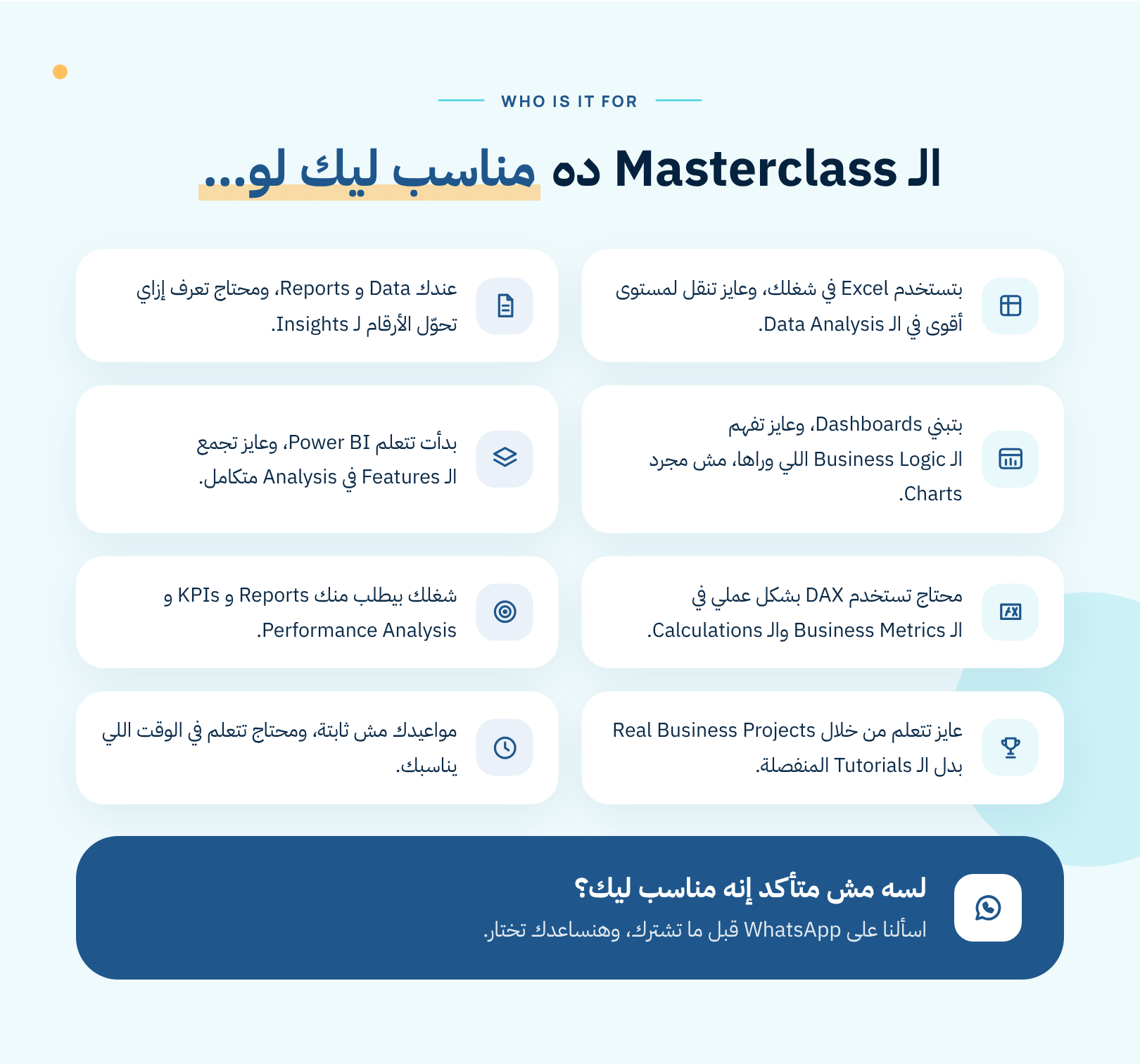
• Excel users who want to move to stronger data analysis
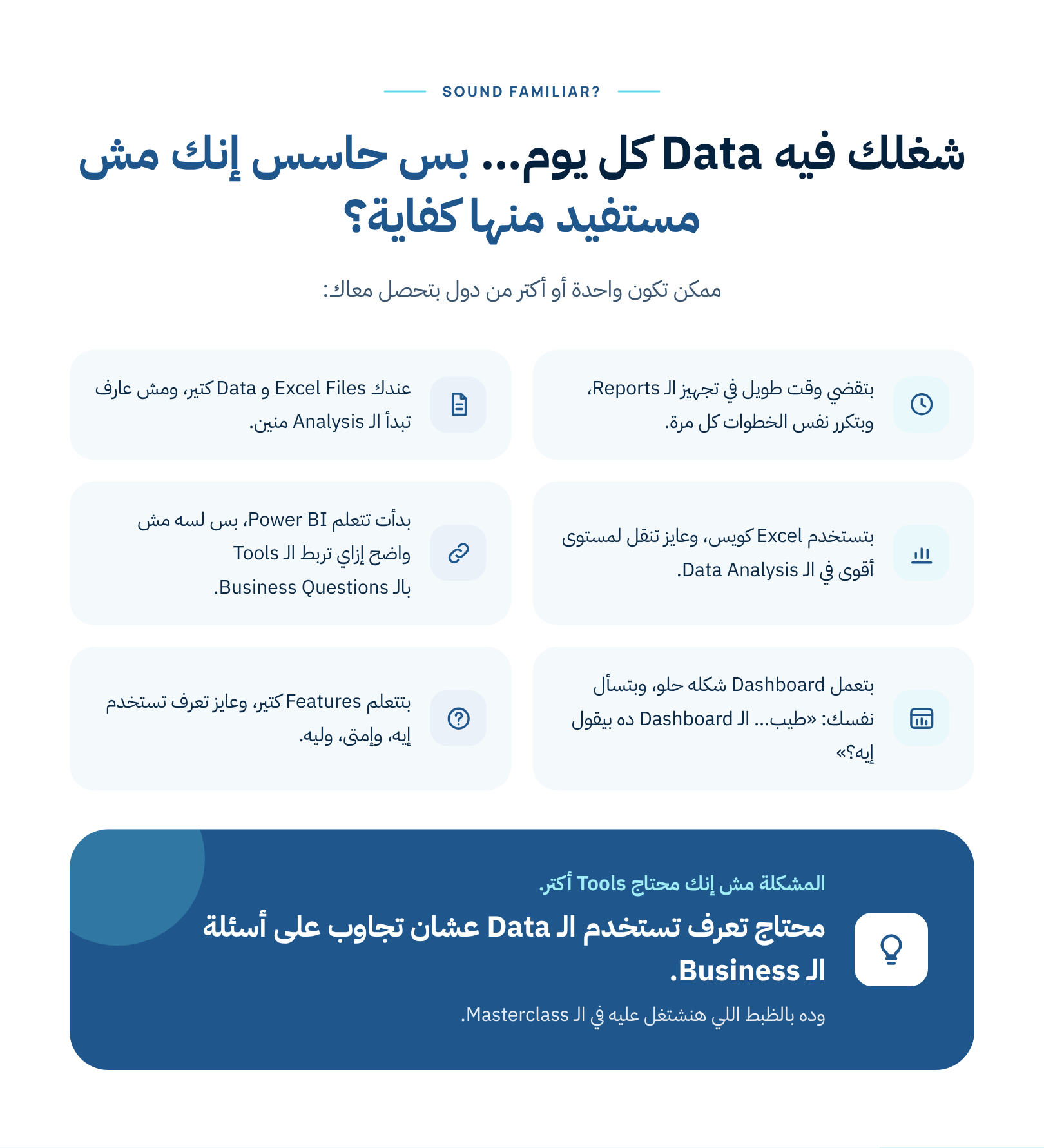
• Professionals who work with data and reports and want to turn numbers into insights
• Power BI learners who want to connect features into a complete analysis
• Career switchers who want job-ready skills through real business projects
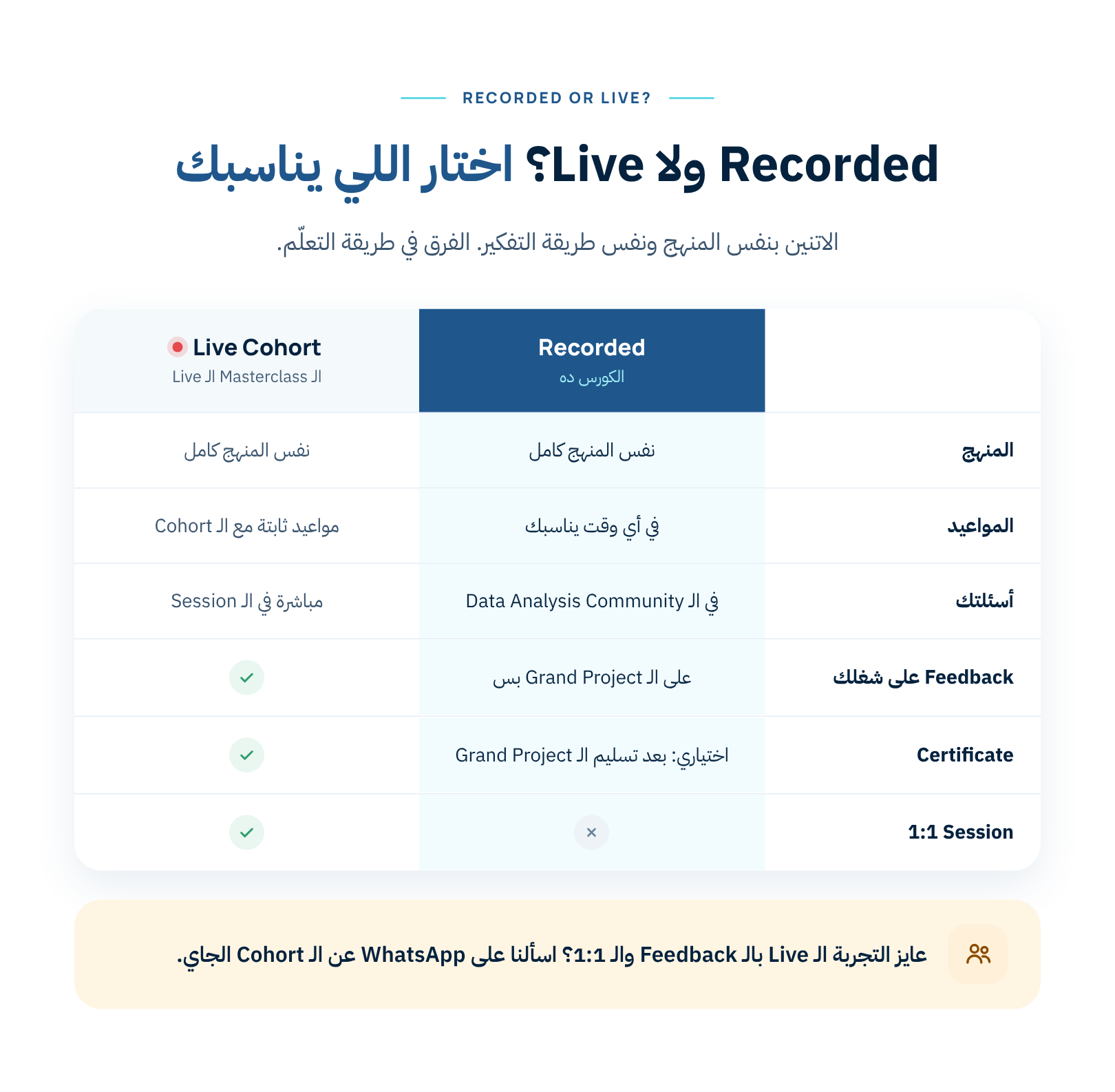
• Busy professionals who need to learn at their own pace instead of fixed live sessions
PREREQUISITES
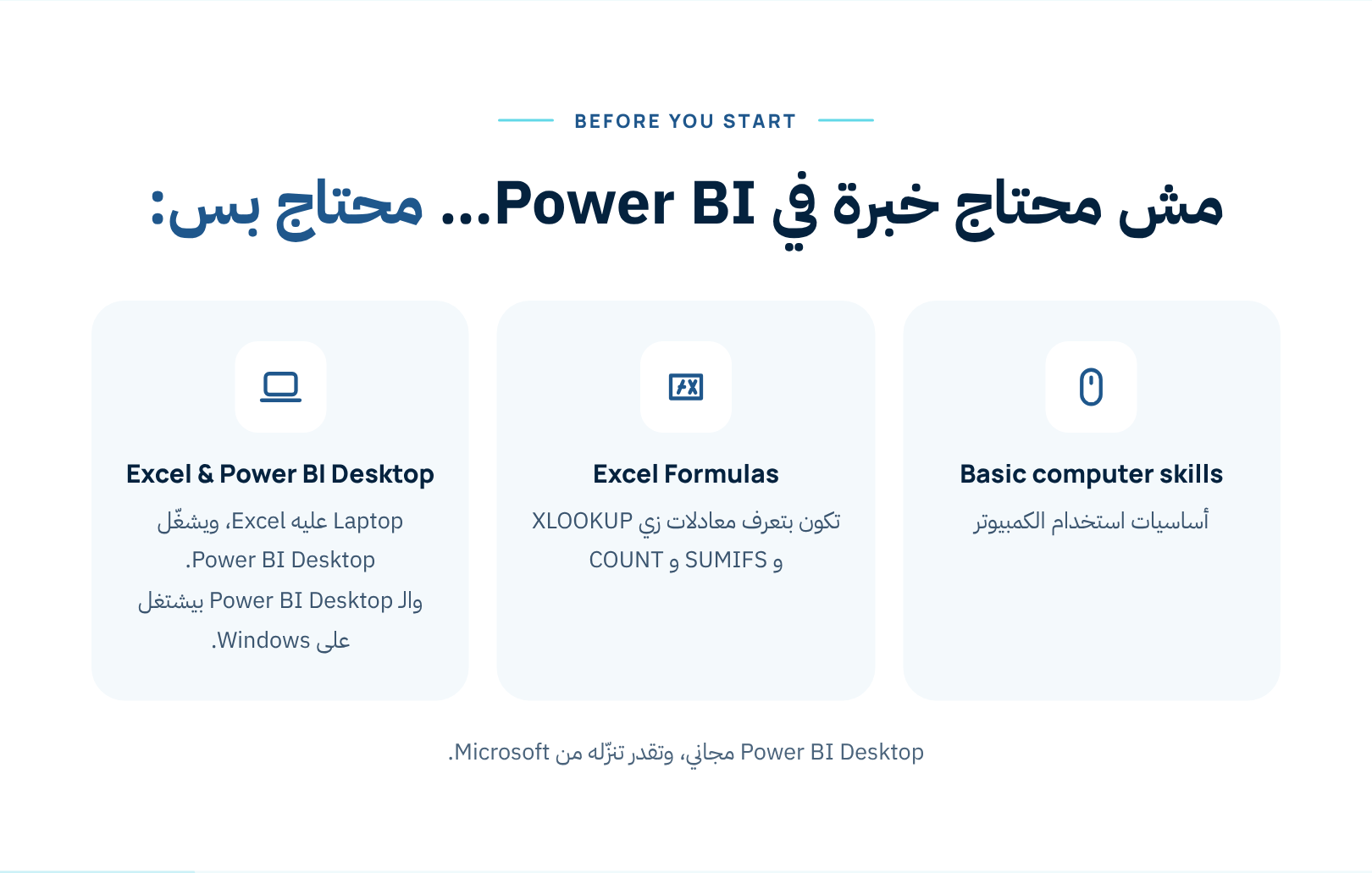
• Working knowledge of Excel formulas such as XLOOKUP, SUMIFS and COUNT
• A laptop with Excel that can run Power BI Desktop (Windows)
Curriculum
Reviews

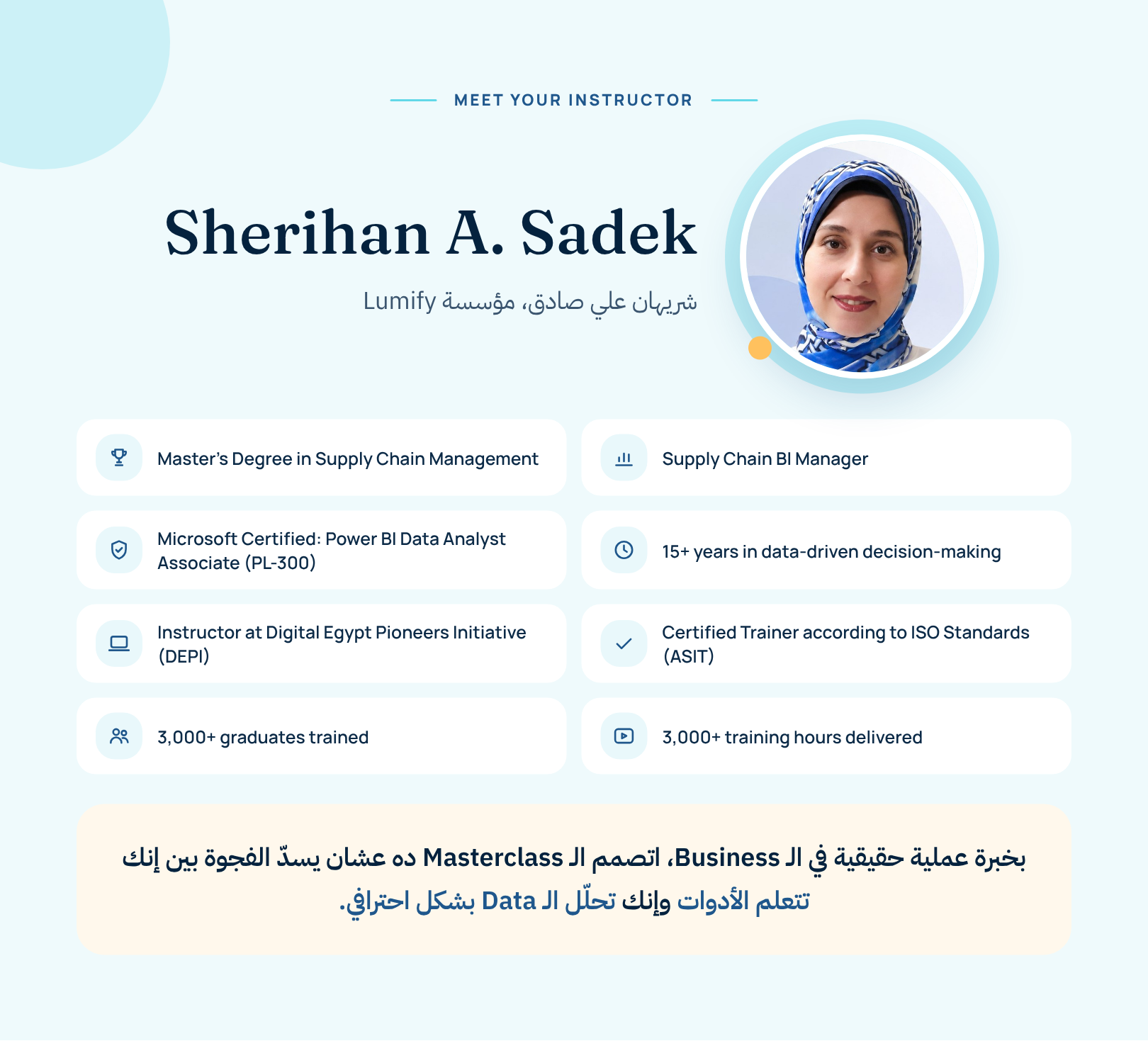
Lumify | Sherihan A.Sadek
Learn Data Analysis by Thinking Like a Real Analyst.
Helping beginners, career switchers, and Power BI users build real analytical skills through business thinking and hands-on projects.